Touch Friendly Menus
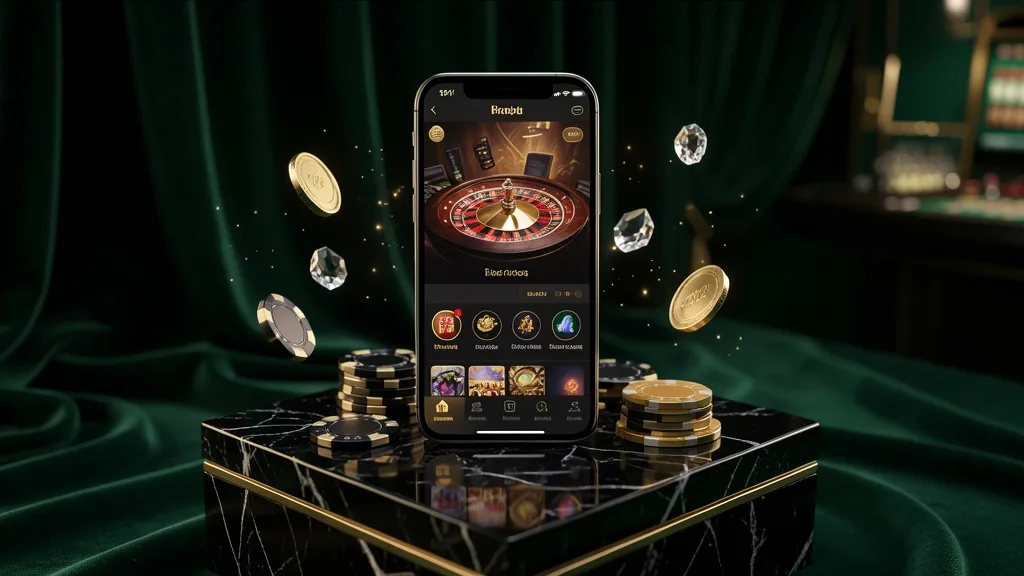
The main controls are arranged for a phone display, making it easier to reach games, sports and account pages with fewer detours.


A practical player review
I tested the setup from a Philippine player’s point of view, focusing on the things that matter before opening a game. The JL8886 Android APK keeps casino sections, sports markets and account tools within reach, whether you are checking PBA action, NBA fixtures or a casino table. Before installing, compare the file details, review the requested access and keep your wallet information private.
JL8886 is suited to players who prefer a compact route to games, balances and account settings. The main areas are arranged for touch screens, so you can move from a casino lobby to sports markets without repeatedly searching for the next section. A stable connection from Smart, Globe or another local network still matters, especially when loading live information. For a broader look at available titles, compare the casino section before choosing where to start.
Use the current download page as the final reference, then compare these points before opening the file.
| Item | JL8886 listing |
|---|---|
| Application | JL8886 for Android |
| Version | Confirm the current version |
| File size | Check the displayed APK size |
| System requirement | Android version shown on the listing |
| Availability | Verify the official download source |
| Cost | No charge to download |
| Deposit routes | Check GCash and Maya availability |
The main controls are arranged for a phone display, making it easier to reach games, sports and account pages with fewer detours.
Use a private password, sign out on shared devices and avoid saving login details where another person can access them.
Balance and deposit screens are kept near the account area, so review the recipient, amount and reference before confirming.
A dedicated sports route can help you review basketball and other markets, including familiar Philippine and international competitions.
A careful installation starts with the file rather than the Install button. Download only from the verified JL8886 source, check the version and size shown there, then review Android’s warning about applications obtained outside its store. The following sequence covers the basic setup without asking you to weaken phone security more than necessary.
Use the official JL8886 download route and compare the file name, version and size with the listing. Do not open an APK forwarded through an unknown group or social account.
If Android stops the process, allow your browser or file manager to install from that source for this file only. Complete the installation, then switch the permission off again.
Launch JL8886, sign in or register, and create a password that you do not reuse elsewhere. Add a screen lock before reviewing the account and wallet pages.
Before confirming a Philippine wallet transfer, read the payment screen carefully and use only the account details shown inside the verified JL8886 area. Keep your confirmation until the balance has been updated.
Select GCash or Maya only when that option appears in your account, then follow the instructions and displayed limits.
Check that the wallet name and JL8886 account information correspond before sending any amount.
Keep the receipt, reference or confirmation message until the deposit is visible in your balance.
After setup, review your profile and keep your sign-in details away from shared phones. Before using the wallet, inspect the amount, destination and available limits twice, then retain the transaction reference. When you browse sports markets or casino games, remember that listings and features can change. Install updates only from the verified JL8886 source, and stop if a new APK requests access that does not fit its purpose. If you use public Wi-Fi, wait until you have a trusted connection before entering payment information.